

Crochet's AI Revolution: A First Look
Crochet's popularity is surging, moving beyond its traditional image. A 2024 trends report noted increased interest in granny square patterns and a general demand for unique, handmade items. This renewed enthusiasm coincides with a new development: AI-assisted crochet pattern design. Previously, pattern creation was solely the domain of dedicated designers, but that's changing.
AI helping with crochet might sound strange. Many crocheters value the personal touch and artistic expression in pattern creation. Skepticism about AI patterns lacking soul or accuracy is understandable. However, AI isn't meant to replace crocheters; it's a tool to augment their abilities.
Image recognition and generative AI advances enable this. These technologies allow computers to interpret images and translate them into instructions, opening new possibilities for pattern design. Imagine turning a photograph into a crochet pattern or generating design variations quickly. This is the promise of AI-assisted crochet.
AI offers significant benefits. It can speed up design, help overcome creative blocks, and simplify the creation of complex patterns. It also democratizes pattern design, enabling more people to realize their ideas. This marks a new era for crochet, where human creativity and AI collaborate.
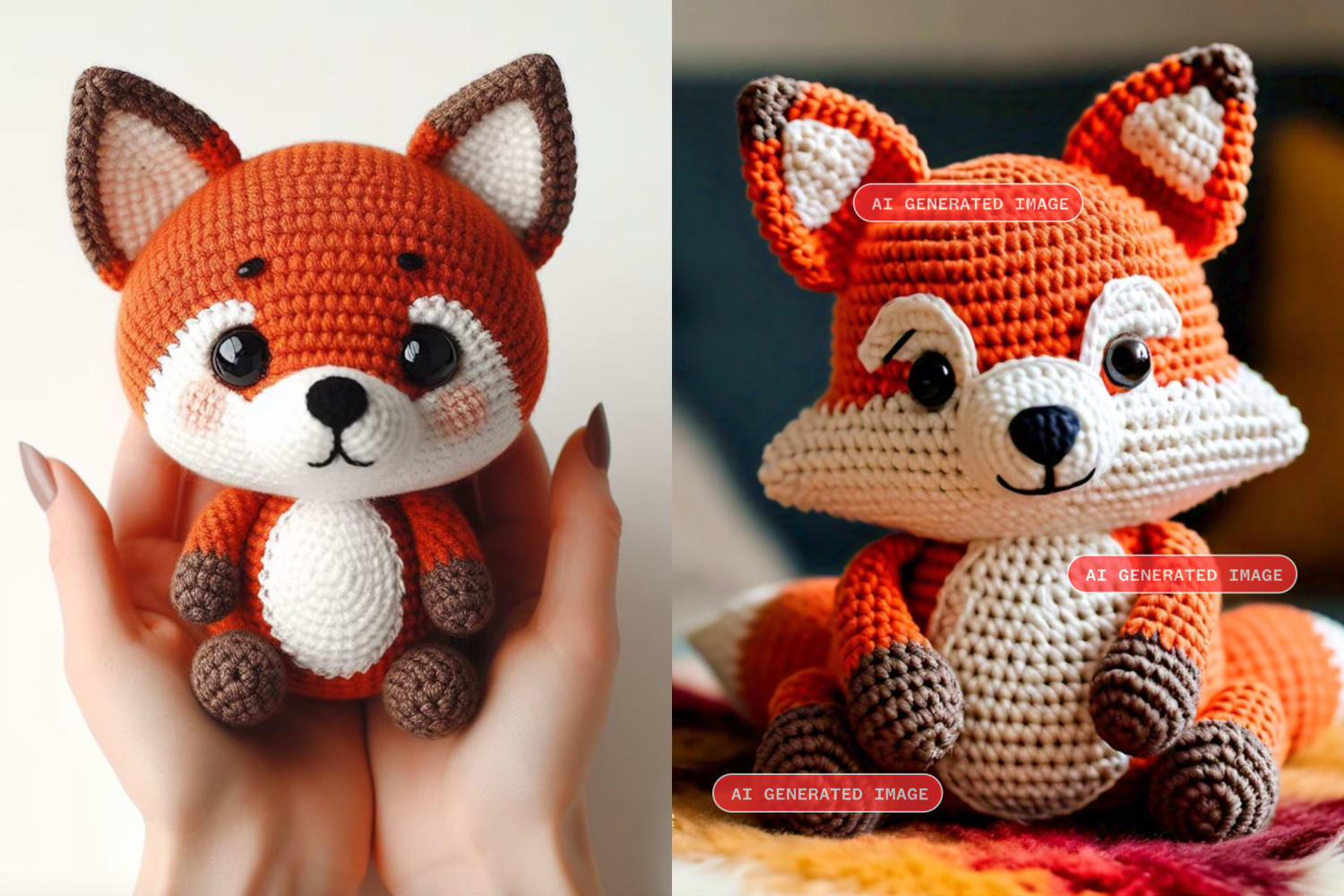
AI Tools: Current Landscape
The AI crochet space is evolving rapidly, with several tools available. These tools generally fall into a few categories. Image-to-pattern generators, such as Stitchify, attempt to convert photos or drawings into crochet charts. While still in early stages and often requiring significant editing, these tools are improving quickly.
Pattern modification tools, often integrated into existing crochet software, allow adjustments to size, shape, or stitch complexity. Some platforms suggest color palettes based on images or pre-defined schemes. A few services are also beginning to estimate yarn requirements based on pattern and gauge.
It's important to be realistic about these tools. Image-to-pattern generators struggle with complex textures and can produce hard-to-follow patterns. Pattern modification tools are more reliable but still require a solid understanding of crochet techniques. Output quality varies widely based on the tool and input complexity.
Currently, there's a mix of free and paid options. Some offer limited free trials or basic features, while others require subscriptions. For instance, some chart creators have a free tier with limited saves, while AI pattern generators usually operate on a monthly subscription. Prices range from $10 to $50 per month for advanced features.
- Stitchify: Image-to-pattern generator (paid subscription)
- Pattern Customizer (within CrochetSpace): Pattern modification and resizing (free and paid options)
- YarnBuddy: Yarn requirement calculator (free)
- ColorPalette AI: Color scheme suggestions based on images (free trial, then paid subscription)
From Image to Stitch: How It Works
Turning an image into a crochet pattern involves complex steps, primarily relying on computer vision – the ability of computers to interpret images. The AI analyzes the image, identifying shapes, colors, and textures, then creates a computer-understandable representation.
Machine learning is crucial. The AI trains on a vast dataset of crochet patterns and images, learning to associate visual features with stitches and techniques. More data improves translation accuracy. The AI seeks the best stitch combination to reproduce the image's visual characteristics.
Significant challenges exist. Interpreting complex textures is difficult; for example, a textured knit fabric photo might be mistaken for intricate crochet stitches. Accurate color change handling is another challenge, requiring the AI to distinguish colors and translate them into appropriate yarn changes.
Ensuring pattern accuracy is a major concern. AI-generated patterns often contain errors like incorrect stitch counts or awkward shaping because the AI doesn't necessarily understand crochet design principles. It aims to reproduce the image's visual appearance, not the practicalities of crocheting.
Pattern Editing & Refinement
AI-generated crochet patterns almost always require editing and refinement; they are rarely ready to use immediately. Consider the AI a rough draft, a starting point for your creativity. Accepting this upfront is key to a positive experience.
Common errors include incorrect stitch counts, awkward shaping, and inefficient yarn usage. An AI might generate a pattern that looks good visually but is difficult or uncomfortable to crochet, uses excessive yarn, or creates poor drape. A good crochet chart reader, software for visual pattern manipulation, is essential.
Pattern editing software, such as ChartGo, allows adjustments to stitch counts, reshaping, and yarn usage optimization. Swatching the pattern is also important to see how it looks and feels in reality, helping identify potential problems before investing significant time.
Don't hesitate to make modifications based on personal preferences, like changing stitches or color schemes. AI is a tool to empower creativity, not limit it. The goal is to create a pattern you enjoy crocheting and that results in a beautiful finished product.
Beyond the Basics: Advanced Techniques
As AI technology advances, expect its application to more sophisticated crochet techniques. AI could be particularly helpful in creating complex colorwork patterns like intarsia and tapestry crochet, automating much of the careful planning and precise stitch placement required.
AI can also assist with designing fitted garments. It could use algorithms to generate accurate instructions for calculating increases and decreases for desired shaping, and help with sleeves and other complex garment features. This is still experimental, but the potential is significant.
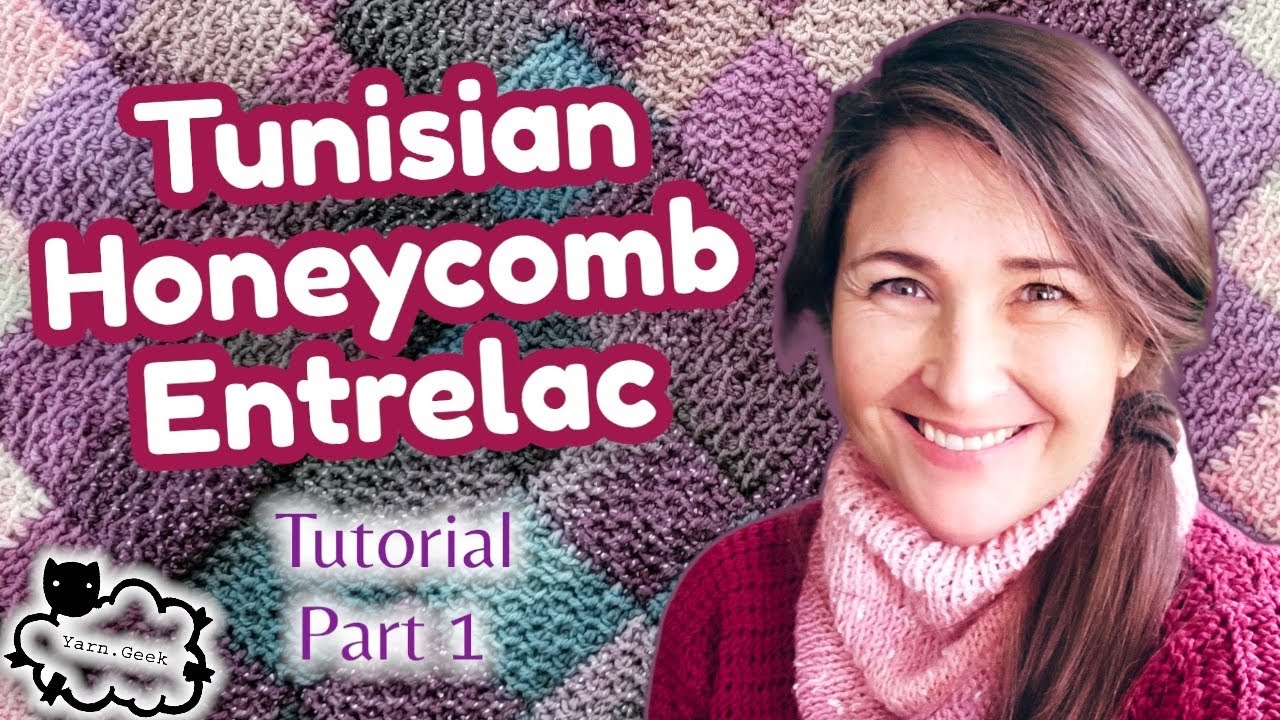
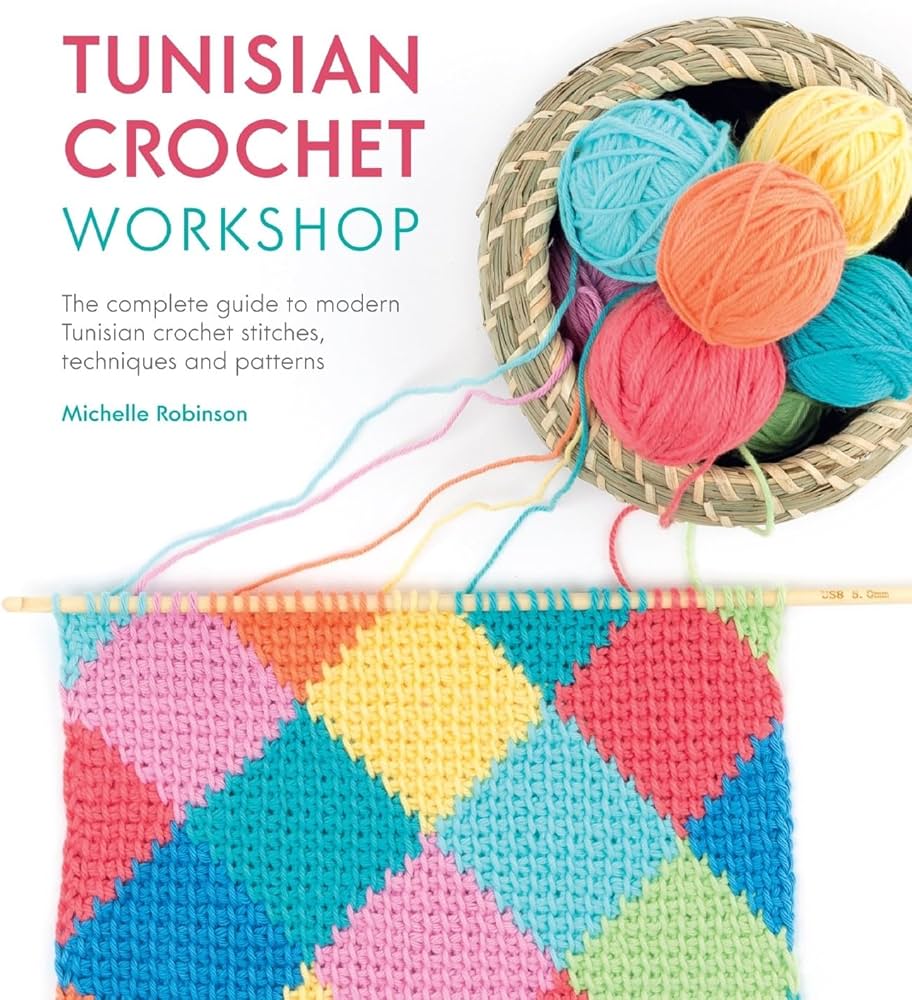
Possibilities extend to specialized techniques. Imagine AI generating patterns for Tunisian crochet or intricate lace designs. These techniques involve complex stitch combinations and deep crochet knowledge; AI could help makers explore them and create unique pieces.
These advanced applications are still in development but represent the future of AI-assisted crochet design. As AI models become more sophisticated, they will handle increasingly complex tasks, opening new creative possibilities. It's an exciting time for crocheters.
Yarn & Hook Harmony: AI's Role
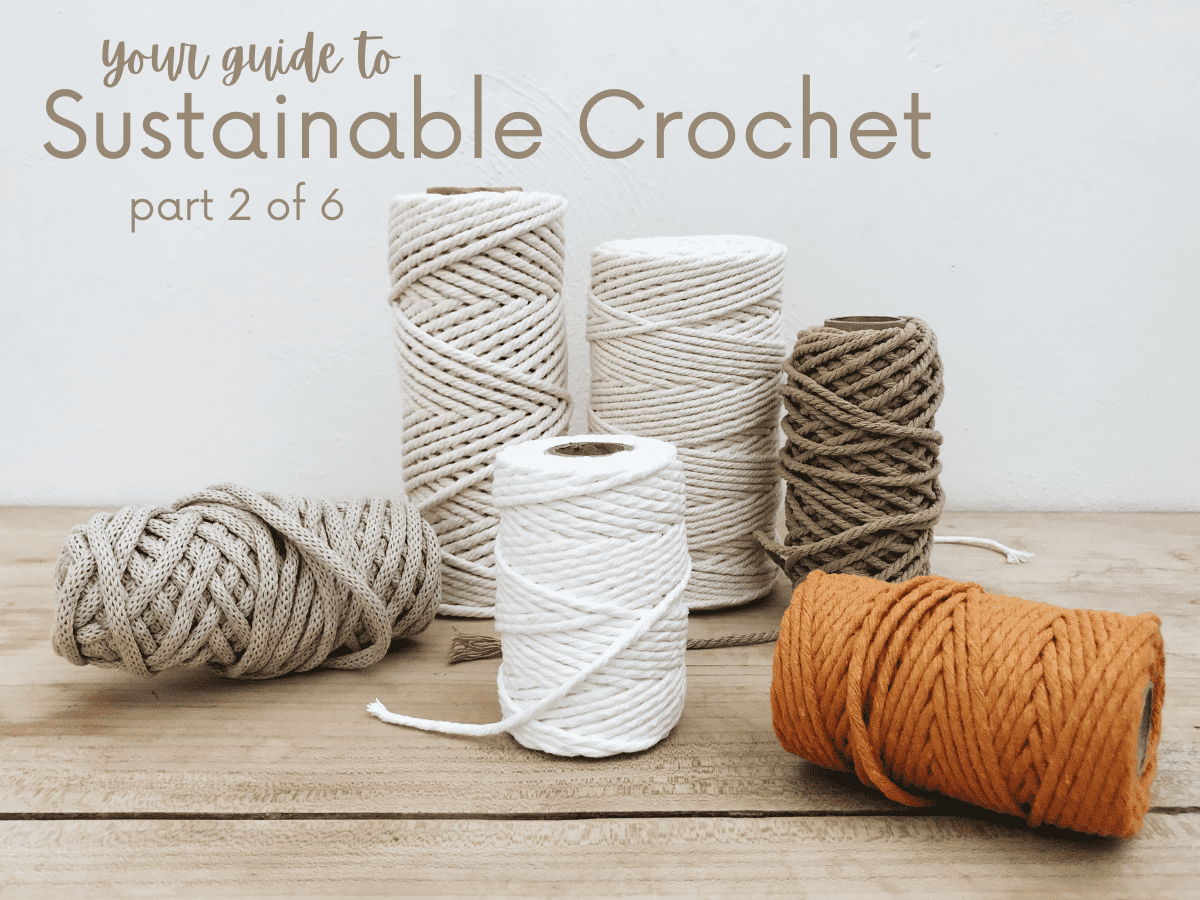
Choosing the right yarn and hook is essential for a successful crochet project. AI can suggest appropriate materials based on desired fabric drape and stitch definition. For example, for a lightweight, drapey shawl, AI might recommend fine-weight yarn and a small hook.
undefined how much yarn you’ll need. This is particularly helpful when working with expensive or hard-to-find yarns.
Consider the impact of fiber content and texture. AI could eventually be trained to understand how different fibers behave and to recommend materials that are best suited for a particular project. For instance, it could suggest a cotton yarn for a dishcloth or a wool yarn for a warm winter hat. It’s about matching the material to the function and aesthetic.
For more information on crochet tools and kits, You Get Hooked offers a comprehensive guide on their website. They have curated selections of hooks, yarns, and other essential supplies to help you get the most out of your crochet projects. Finding the right tools is half the battle!
The Future of Crochet Design
Looking ahead, the future of AI-assisted crochet design is full of potential. We might see AI tools that can generate entire collections of coordinated patterns, complete with color palettes and yarn suggestions. Imagine being able to request a "cozy autumn" collection and having the AI create a set of patterns for a blanket, hat, and scarf.
Personalization will likely be a key feature of future AI tools. AI could learn your skill level, preferences, and style to generate patterns that are tailored specifically to you. It could even adapt patterns based on your progress, offering suggestions for more challenging techniques as you improve. The idea of a truly bespoke crochet experience is within reach.
However, it’s important to consider the ethical implications of using AI in creative work. Questions of copyright and authorship will become increasingly complex. Who owns the rights to a pattern that was generated by AI? How do we ensure that AI doesn’t simply copy existing designs? These are important questions that need to be addressed.
Ultimately, the impact of AI on crochet design will depend on how we choose to use it. If we embrace it as a tool to enhance our creativity, it could lead to a golden age of crochet design. But if we allow it to stifle innovation and devalue human artistry, the results could be less positive. A thoughtful and responsible approach is essential.
How do you feel about using AI to help with your crochet designs?
AI tools are becoming more accessible for crafters looking to create custom crochet patterns. Whether you are a beginner learning how to crochet a blanket or an experienced maker designing intricate garments, AI-assisted pattern design is a growing topic in the crochet community. We want to hear from you — vote below and share your perspective!
Standout Tools: Worth a Closer Look
After testing several AI-assisted crochet tools, a few have stood out as particularly promising. First, Stitchify is a strong contender for image-to-pattern generation, although it requires significant refinement. Its ability to quickly create a base pattern from a photo is impressive, even if the results aren't perfect. The paid subscription unlocks higher resolution charts.
Next, Pattern Customizer (within CrochetSpace) is excellent for modifying existing patterns. It’s user-friendly and allows you to easily adjust the size, shape, and stitch complexity of a pattern. The free tier is a great way to get started, and the paid version offers more advanced features. It is a good option for those who want to tweak existing designs rather than start from scratch.
Finally, YarnBuddy is a simple but effective yarn requirement calculator. It’s easy to use and provides accurate estimates of how much yarn you’ll need for your project. While it doesn't have all the bells and whistles of some other tools, it's a valuable resource for any crocheter. It's free and readily available online.
AI-Assisted Crochet Pattern Design Tools: A Comparative Overview (2026)
| Tool Name | Ease of Use | Pattern Customization | Pattern Accuracy | Integration with Existing Tools |
|---|---|---|---|---|
| StitchGen | Beginner-Friendly Interface | Moderate - focuses on style variations | Generally Good - requires review for complex designs | Limited - primarily standalone |
| KnotAI | Moderate - some learning curve | High - detailed control over stitch types and repeats | Good - excels with simpler patterns | Potential for API integration (evolving) |
| PatternCraft | Intermediate - requires some crochet knowledge | Very High - allows for complex shaping and motifs | Moderate - prone to errors with intricate stitch combinations | Plugin available for some design software |
| YarnDreamer | Easy - visual pattern creation | Limited - primarily focuses on color and texture | Acceptable for basic patterns, needs verification | Good - integrates with common yarn databases |
| HookHelper | Moderate - text-based input | Moderate - offers options for adjusting gauge and size | Variable - accuracy depends on input clarity | Limited - primarily a pattern generation tool |
| DesignWeave | Intermediate to Advanced | High - supports advanced techniques like Tunisian crochet | Good - known for consistent stitch definitions | Developing API for broader compatibility |
Qualitative comparison based on the article research brief. Confirm current product details in the official docs before making implementation choices.
No comments yet. Be the first to share your thoughts!