

AI pattern generators for beginners
Learning to crochet used to mean squinting at a PDF and hoping you understood the shorthand. AI pattern generators are changing that. These tools build custom instructions based on what you actually want to make, which is a huge shift for anyone who hasn't mastered the traditional lingo yet.
These tools don’t write code in the traditional sense. Instead, they work by understanding the relationships between stitches, shapes, and sizes. You input what you want—a baby blanket, a specific stitch pattern, a certain size—and the AI generates a pattern tailored to those parameters. It’s a shift from finding a pattern to creating one, which is pretty exciting.
This is particularly beneficial for beginners. The initial hurdle of learning to read complex patterns, often filled with unfamiliar abbreviations, can be daunting. AI simplifies this by providing clear, customized instructions. It really lowers the barrier to entry and allows more people to experience the joy of crochet. It’s a new era for the craft, one where anyone can design their own projects, regardless of experience.
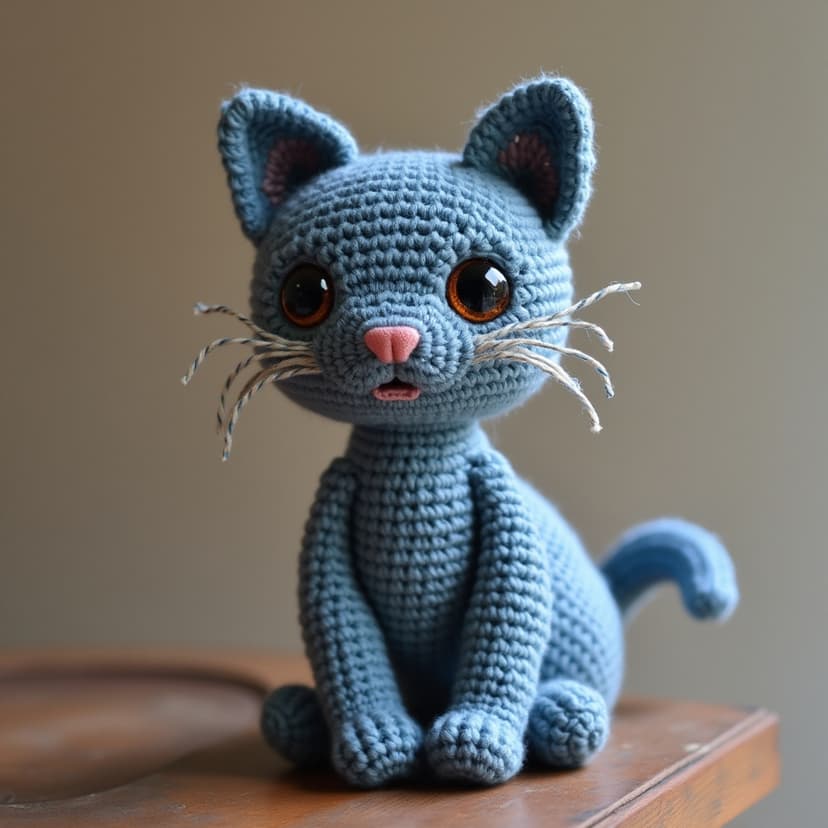
Why learning crochet is hard
Crochet, like any craft, has a learning curve. For beginners, it’s often a series of frustrating roadblocks. The Montana State University guide, 'Crochet Made Easy,' highlights many of these struggles. One of the biggest is simply understanding the language of crochet: abbreviations like 'sc' for single crochet, 'dc' for double crochet, and 'ch' for chain stitch can feel like a secret code.
Beyond the abbreviations, there’s the challenge of actually doing the stitches. Maintaining consistent tension is crucial, but notoriously difficult for newcomers. Too tight, and your work becomes stiff and uneven; too loose, and it’s floppy and full of holes. Correct tension influences the entire project, and it takes practice to get it right.
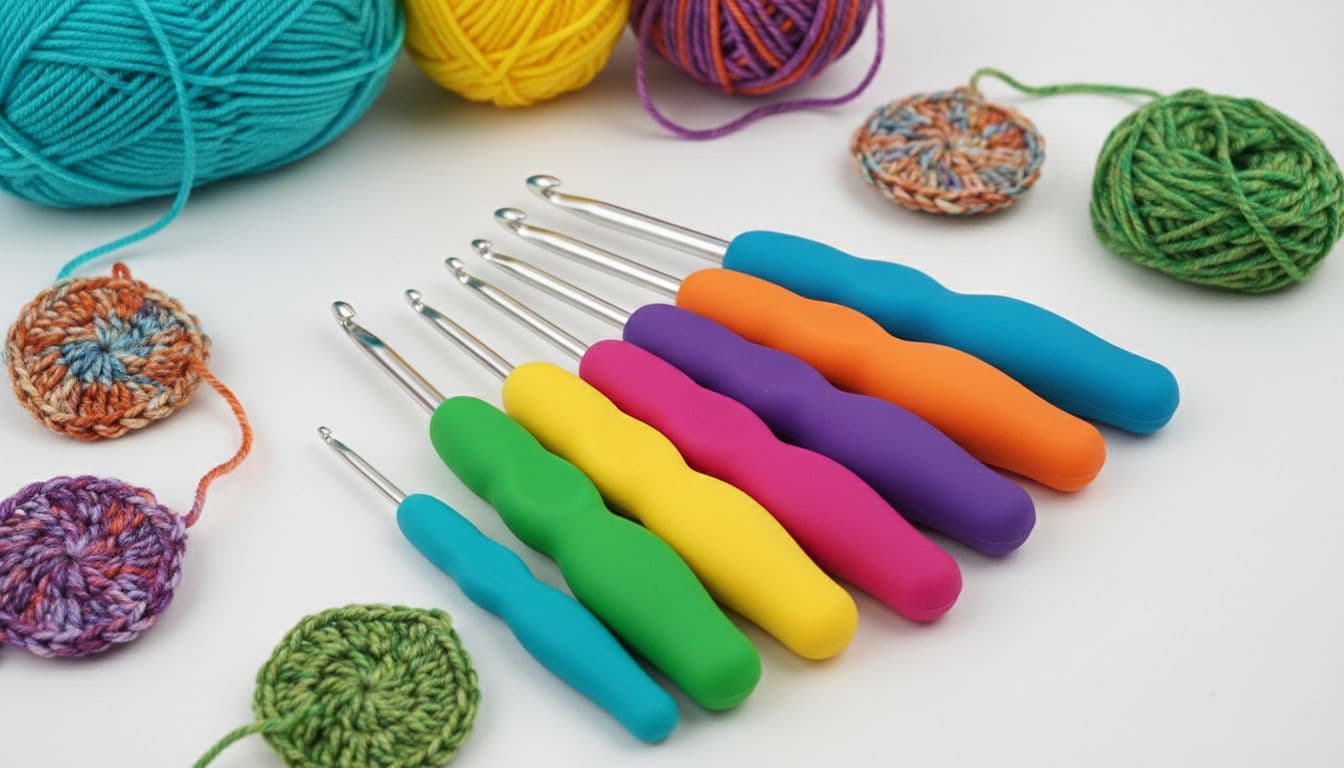
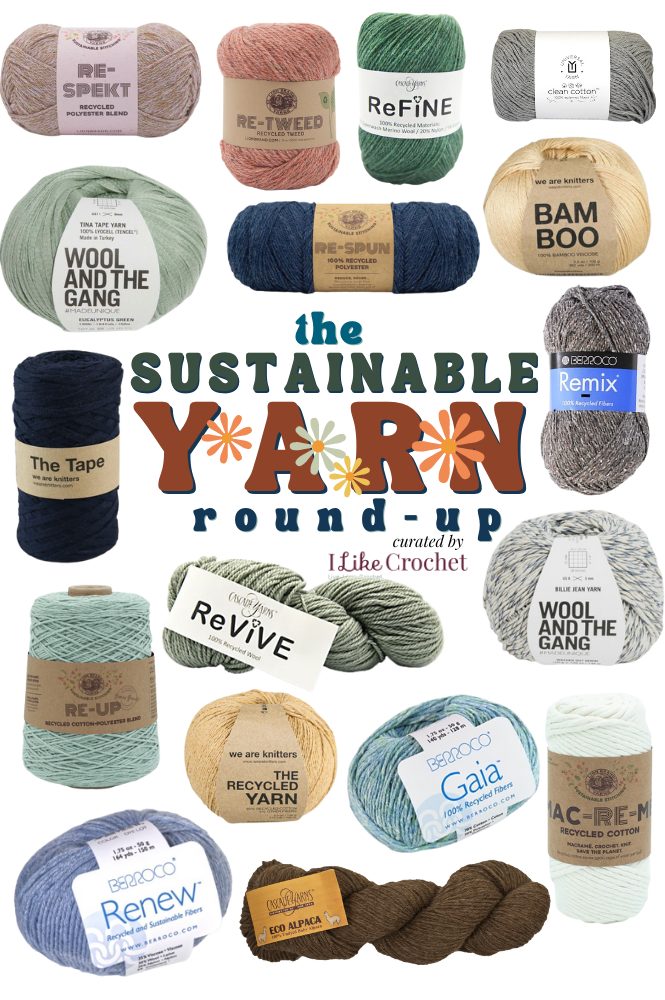
Then comes choosing the right tools – hooks and yarn. The guide notes that selecting the appropriate yarn weight and hook size for a project is fundamental, but can be confusing. Beginners often struggle with reading yarn labels and understanding how different materials will affect the finished product. It’s easy to get overwhelmed, start a project, and then get stuck, leading to discouragement and abandoned yarn.
AI Tools: Pattern Creation Simplified
AI pattern generators directly address these common beginner struggles. Imagine being able to tell a tool, 'I want to make a baby blanket, 36 inches square, using a simple stitch,' and having it generate a complete pattern for you. That’s the power of these tools. They take your natural language request and translate it into detailed crochet instructions.
These generators aren't just about simplicity; they also offer customization. You can specify the desired complexity of the pattern, the type of edging you want, or even the specific stitch patterns you’d like to incorporate. This level of control empowers beginners to create projects that are tailored to their interests and skill level.
While specific software names are still emerging in this space, the underlying principle is consistent: AI algorithms analyze vast datasets of crochet patterns to identify the relationships between stitches, shapes, and sizes. Some tools may also offer visual previews of the finished project, or even step-by-step guides with images or videos. This visual support can be incredibly helpful for beginners who are learning by sight.
The ability to adapt patterns for different skill levels is another significant benefit. An AI could take an advanced pattern and simplify it, removing complex stitches or reducing the number of color changes to make it more manageable for a beginner. This allows learners to gradually build their skills and tackle more challenging projects over time.
Real-time feedback and tutoring
The potential of AI extends beyond just pattern creation; it can also be a powerful learning tool. Imagine an AI that provides real-time feedback on your stitch accuracy. While this technology is still developing, the idea is that the AI could analyze your work (potentially through a camera) and identify any mistakes you’re making.
Beyond error detection, AI could suggest alternative stitches to achieve a similar effect, or explain the reasoning behind certain crochet terminology. It could act as a personalized crochet tutor, guiding you through the learning process at your own pace. This is a significant improvement over relying solely on written instructions or YouTube tutorials.
AI can also help troubleshoot common mistakes. If you’re struggling with a particular stitch, the AI could offer suggestions for how to improve your technique, or even provide links to relevant resources. This personalized support can be invaluable for beginners who are feeling frustrated or discouraged. It’s about fostering a more supportive and accessible learning environment.
Picking the right yarn and hooks
Choosing the right yarn and hook is essential for a successful crochet project, and AI can lend a hand here too. Based on your desired project – say, a warm winter hat – and the stitch pattern you’ve chosen, an AI could suggest appropriate yarn weights and hook sizes. This takes the guesswork out of material selection and helps ensure that your project turns out as expected.
Understanding gauge – the number of stitches and rows per inch – is crucial for achieving the correct size. AI could help beginners calculate their gauge and adjust their hook size accordingly. It’s a detail that often trips up newcomers, but AI can simplify the process.
For more comprehensive guidance on yarns and hooks, you can always explore resources like those available on You Get Hooked. But AI tools are beginning to bridge the gap between general knowledge and project-specific recommendations, making it easier than ever to find the perfect materials for your crochet endeavors.
AI Pattern Generator Suitability by Project & Materials (2026 Projection)
| Project Type | Yarn Weight | Hook Size | Suitability |
|---|---|---|---|
| Amigurumi | Fingering | B/1 | Good Match |
| Amigurumi | DK | E/4 | Okay Match |
| Amigurumi | Worsted | H/8 | Avoid |
| Blanket | Bulky | K/10.5 | Good Match |
| Blanket | Worsted | H/8 | Good Match |
| Blanket | DK | E/4 | Okay Match |
| Garment | DK | E/4 | Good Match |
| Garment | Worsted | H/8 | Good Match |
| Garment | Fingering | B/1 | Okay Match |
| Garment | Bulky | K/10.5 | Avoid |
Illustrative comparison based on the article research brief. Verify current pricing, limits, and product details in the official docs before relying on it.
The limits of automation
AI is just a tool. It can spit out a pattern, but it won't hold the hook for you. You still need to understand how tension works and how a stitch actually forms to get a decent result. Practice is the only way to get that muscle memory.
Crochet is social. Joining a group helps when you're stuck or just need a second pair of eyes on a messy row. Sharing what you're working on and asking questions is how most of us actually get better.
AI-generated patterns aren’t always perfect. They may require some editing or adjustments to achieve the desired result. Being able to read a pattern, understand stitch instructions, and troubleshoot problems is still a valuable skill, even when using AI. It’s about embracing AI as a partner, not a replacement.
How likely are you to try an AI-assisted crochet pattern generator?
AI-powered pattern generators are changing the way beginners approach crochet in 2026. Whether you are just learning how to crochet a blanket or experimenting with more complex designs like granny squares and garments, these tools aim to simplify the process. We want to hear from you — would you use an AI-assisted tool to help plan your next crochet project? Vote below and share your thoughts in the comments!

No comments yet. Be the first to share your thoughts!